Run Apple Shortcuts
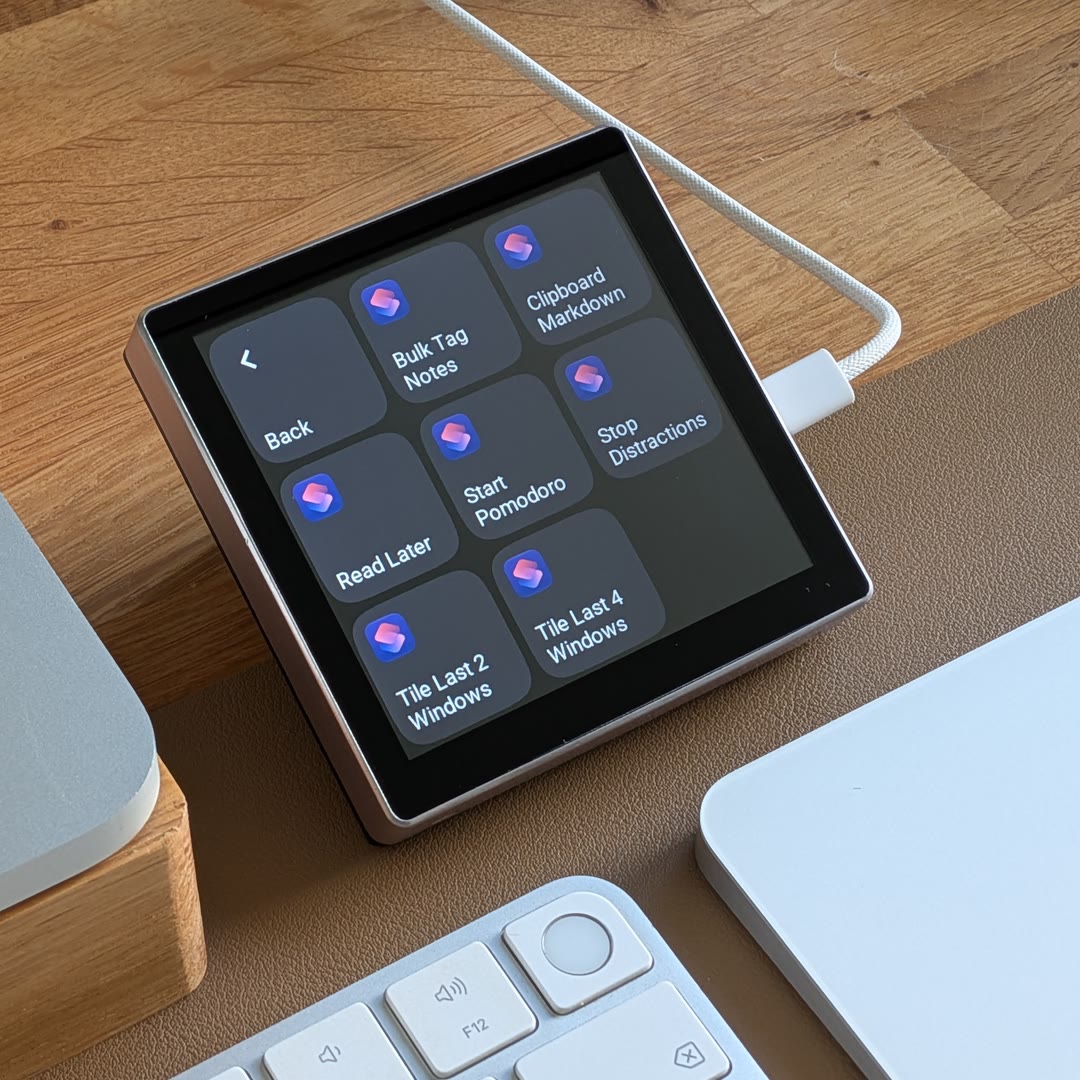
An Apple shortcut automates one or more tasks on your Mac, such as starting a focus timer, arranging windows, or saving a link for later. Create your own in Shortcuts or add one from its Gallery. Apple’s guide to Shortcuts on Mac.
Use matching versions of the EspDesktop Mac app and display firmware. Keep your Mac unlocked to run shortcuts and answer any prompts there.
Open the Shortcuts tab in EspDesktop on your Mac and allow Automation access when macOS asks. Individual shortcut tiles and tiles in shortcut lists then use the background colour you picked in Shortcuts. Choose a custom card colour in the web editor to override it.
In your display’s web editor, select an empty tile and choose Companion → Apple Shortcuts. Then pick one of these three card types.
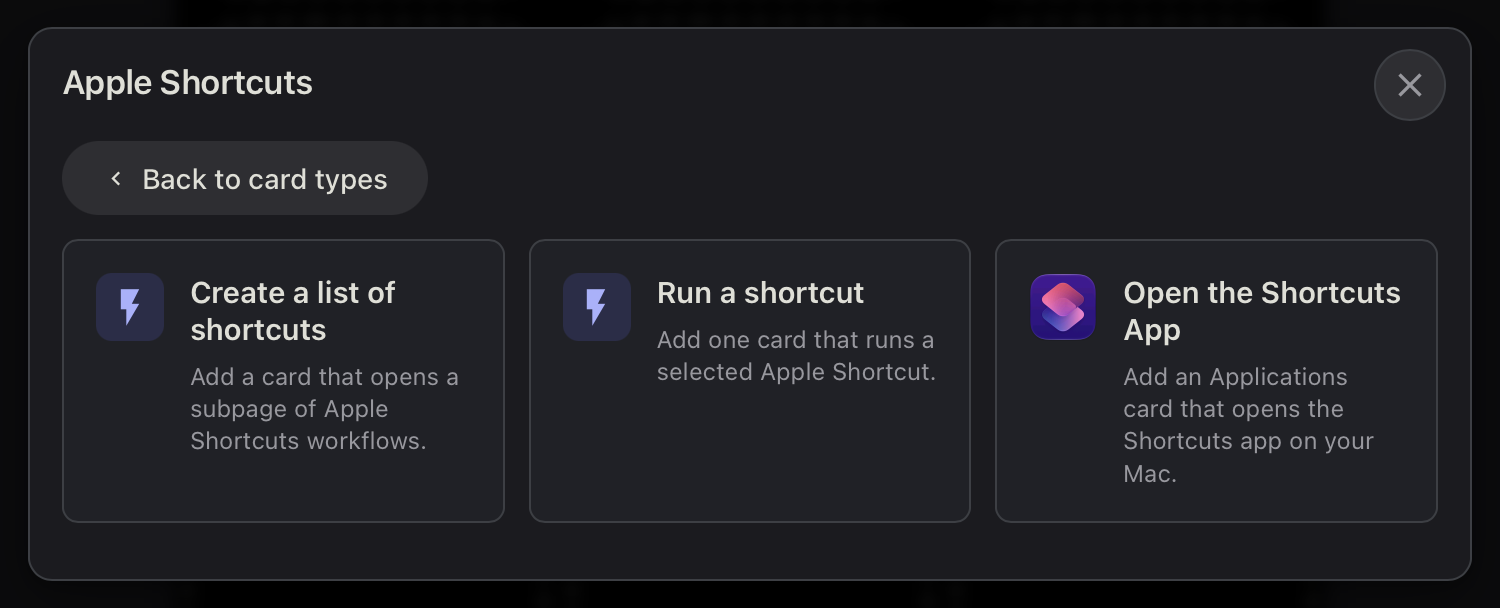
Pin a single shortcut
Choose Run a shortcut, select the shortcut, and save. Tap its tile to run it directly, like Start Pomodoro below.
Under Card Settings, choose Custom Icon to pick a symbol for this tile. Choose Shortcuts App Icon to restore the default.
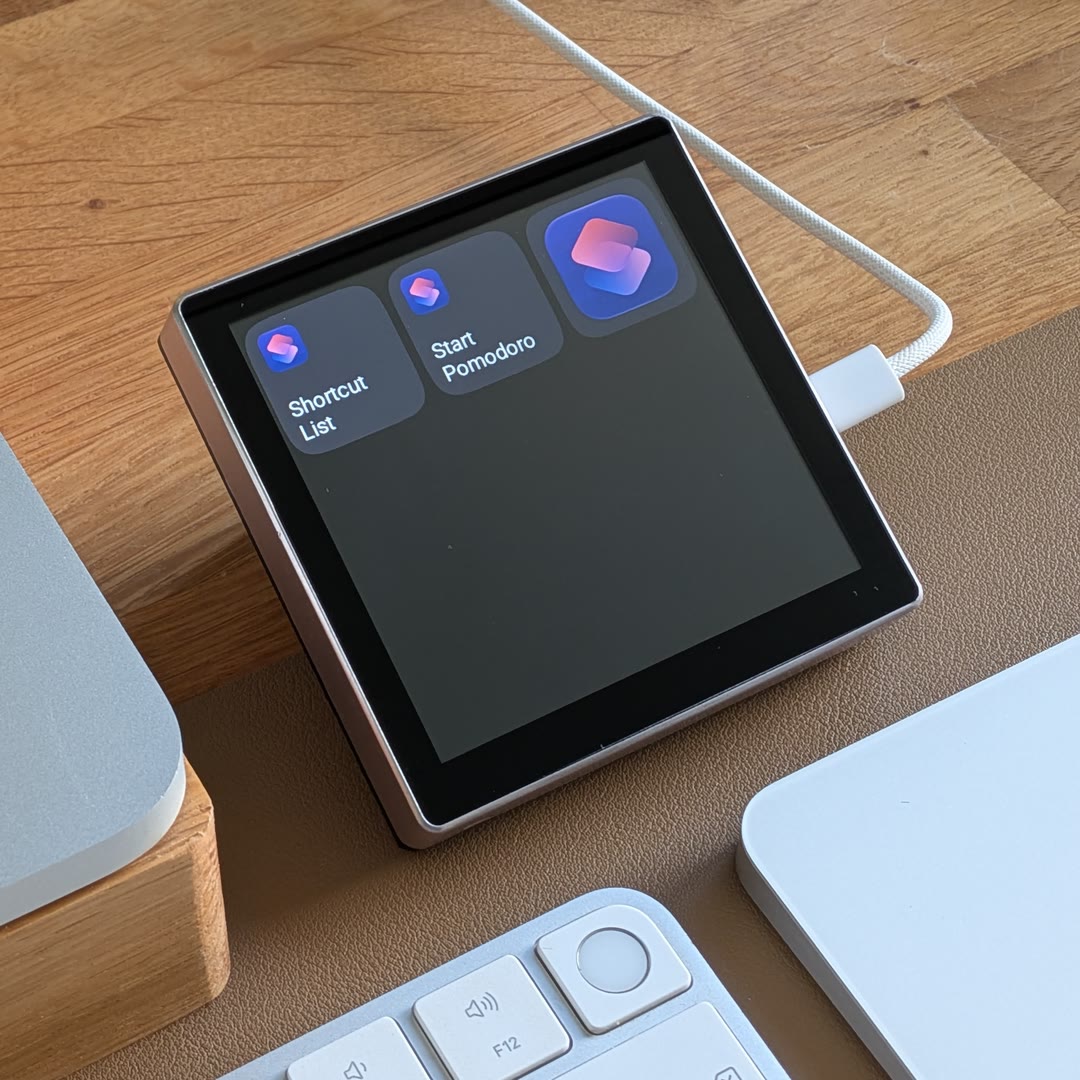
Group shortcuts on one page
Choose Create a list of shortcuts. The editor lists all shortcuts available to EspDesktop. Use the switches to choose which ones appear and drag them into order. Save and tap Shortcut List on your display. The page shows as many shortcuts as fit alongside Back.
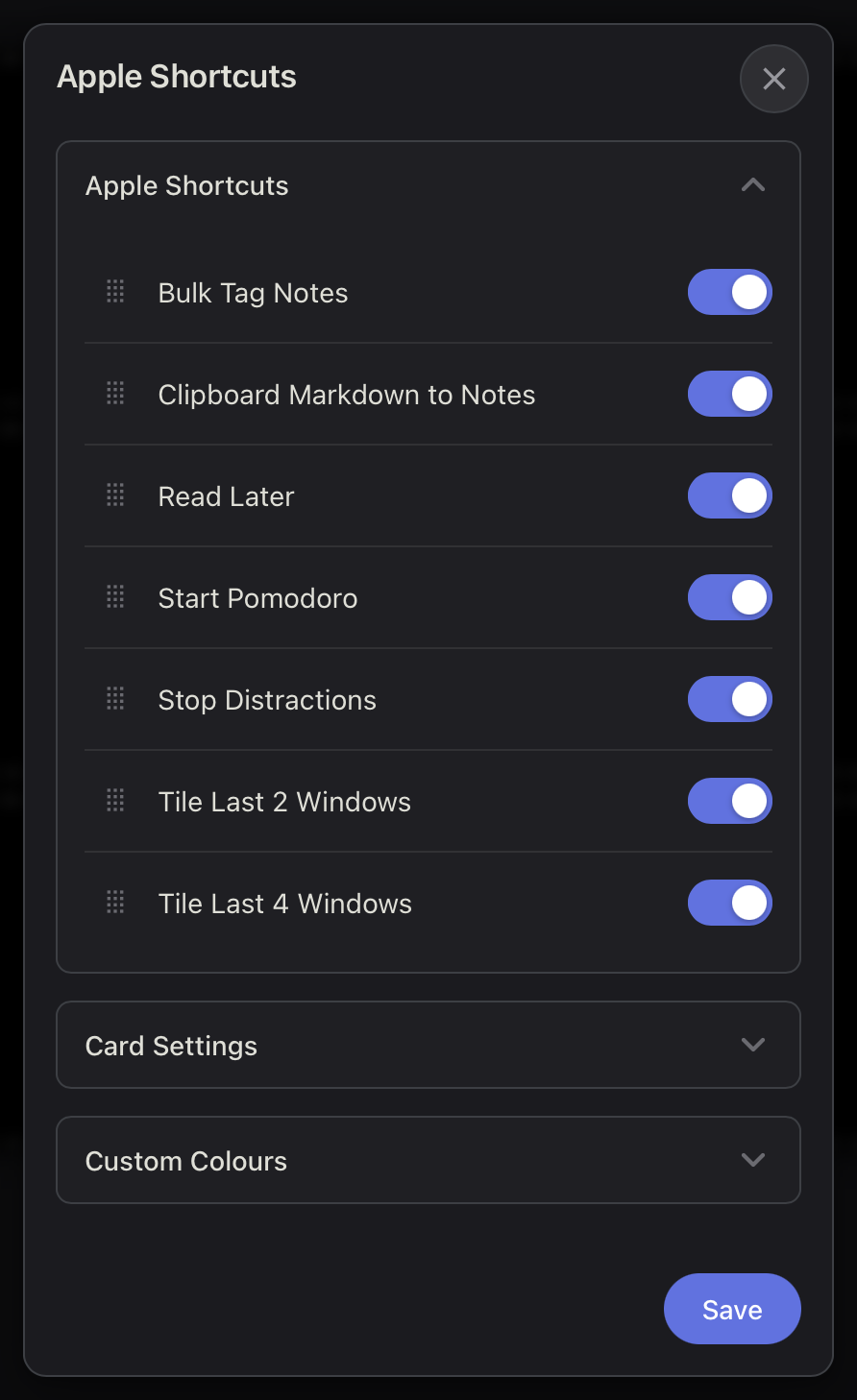
Launch the Shortcuts app
Choose Open the Shortcuts App and save. EspDesktop adds a subpage for your shortcuts automatically.
Tap the app tile to launch Shortcuts on your Mac. By default, the display shows your shortcut tiles when Shortcuts comes to the front.
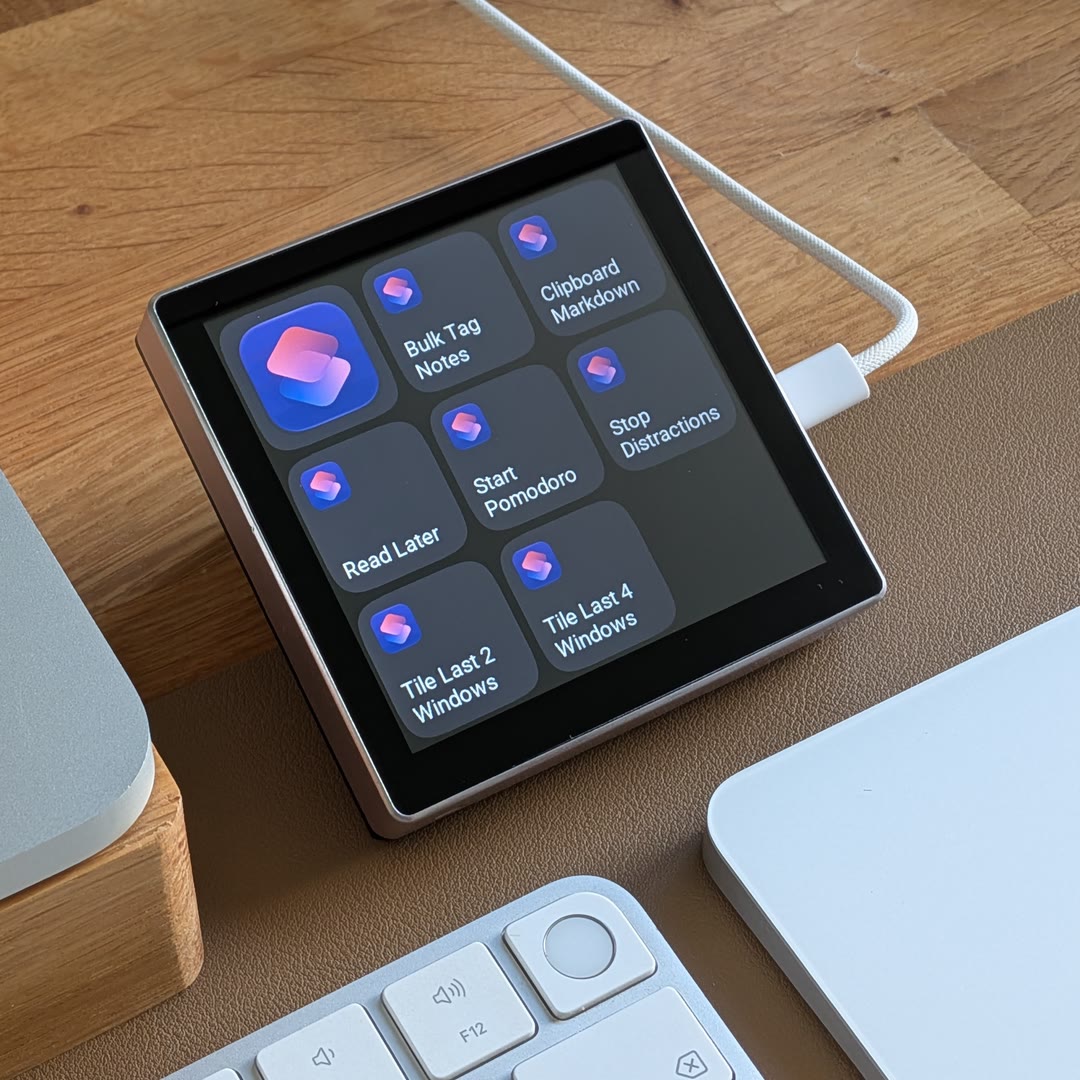
To edit either page later, right-click a tile on it in the web editor and choose Apple Shortcut List. To limit which shortcuts your displays can run, turn off All available shortcuts in the EspDesktop Mac app’s Shortcuts settings and enable the ones you want.