Mac app settings
Choose Settings from the EspDesktop menu bar icon. The app keeps running when you close the settings window. To stop it, choose Quit from the same menu.
Choose Add device from the menu bar icon to search for and pair a display.
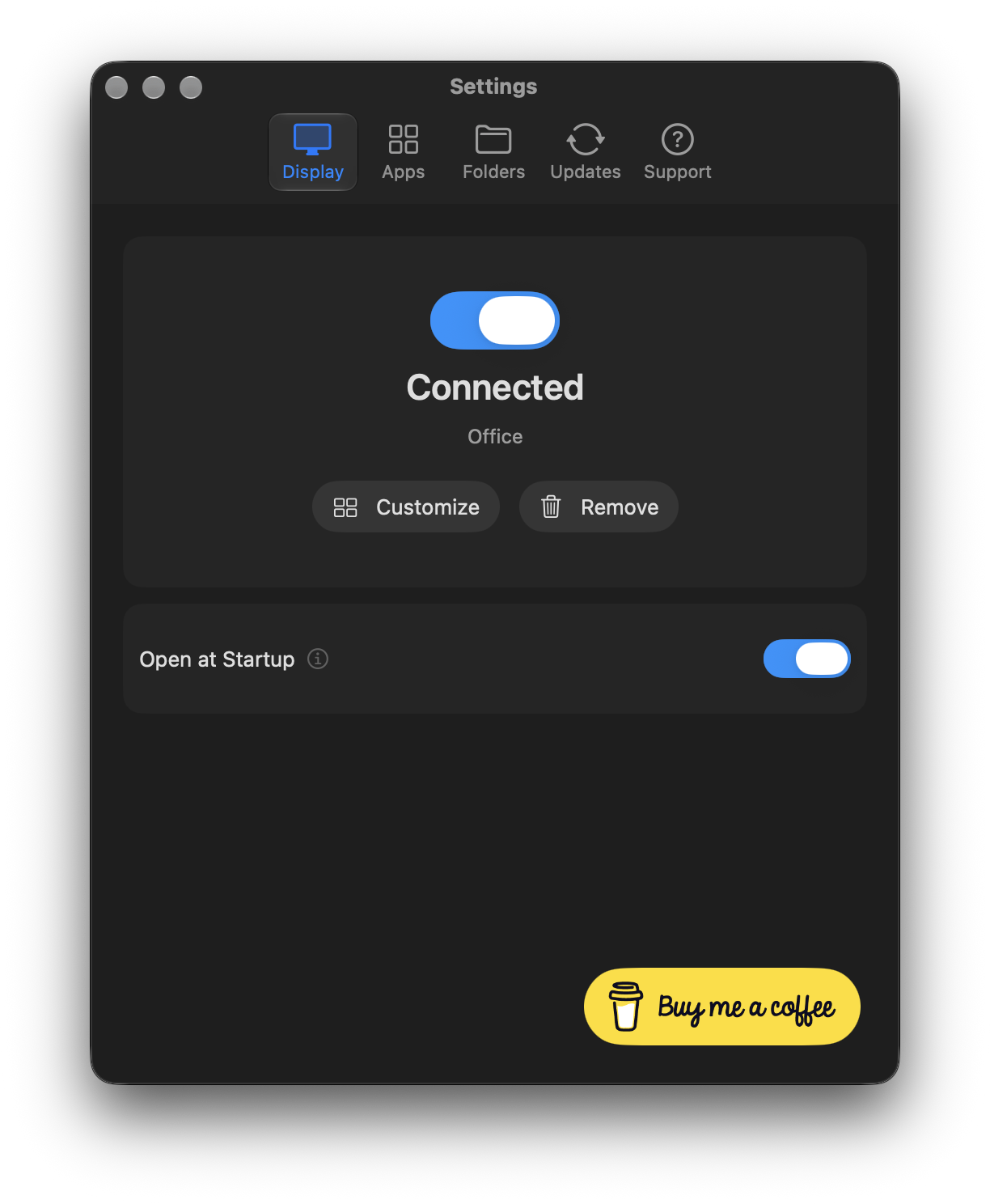
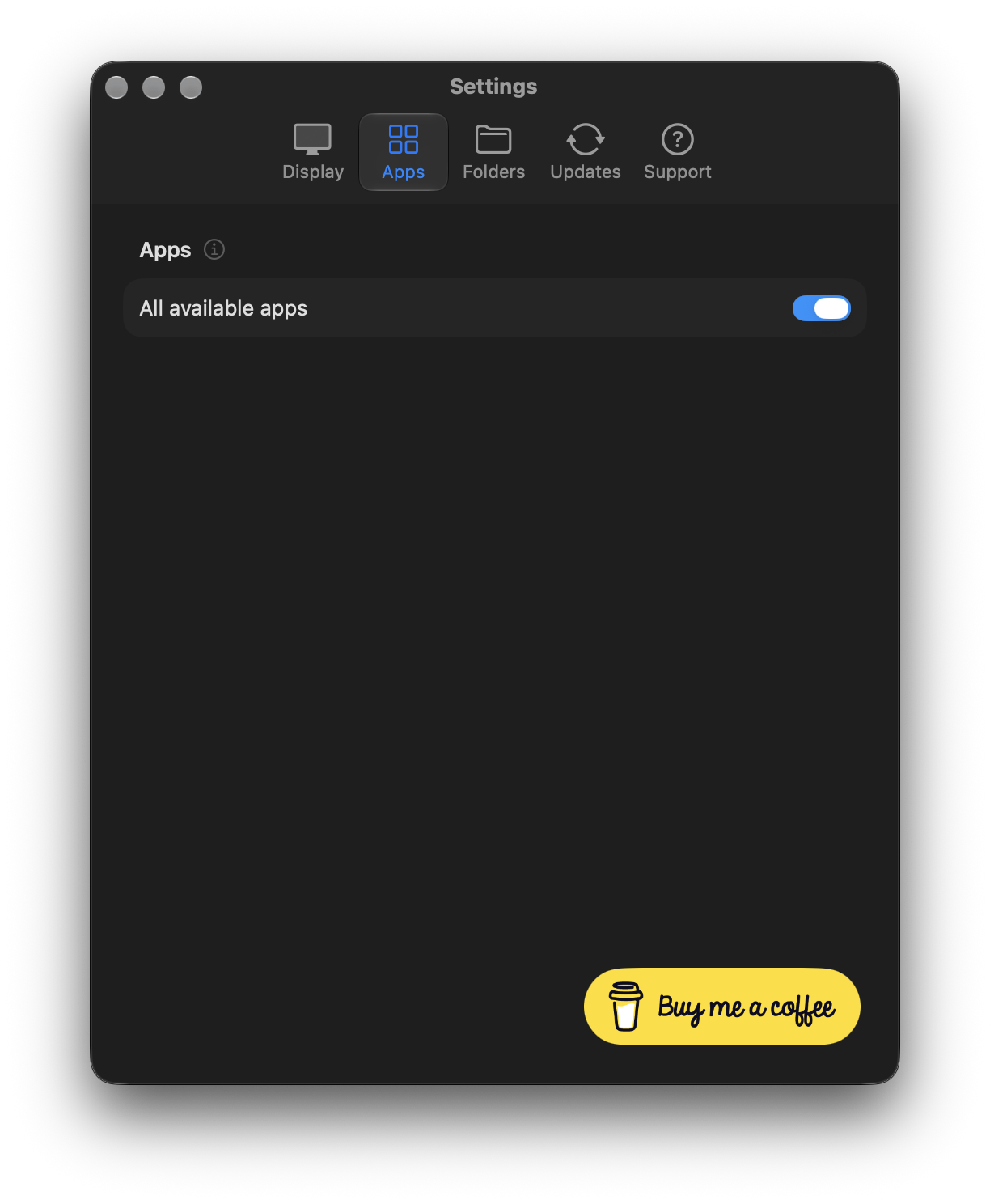
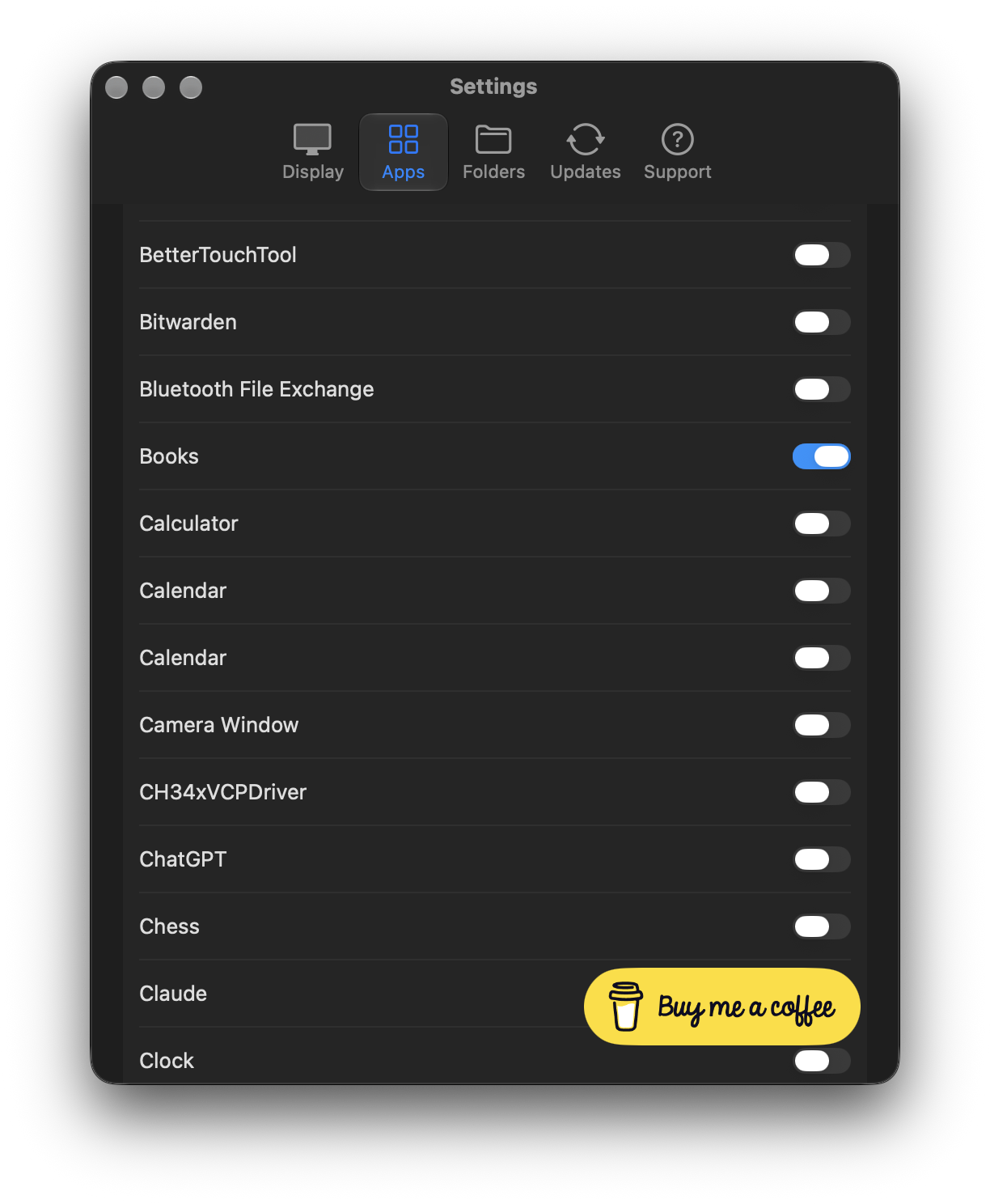
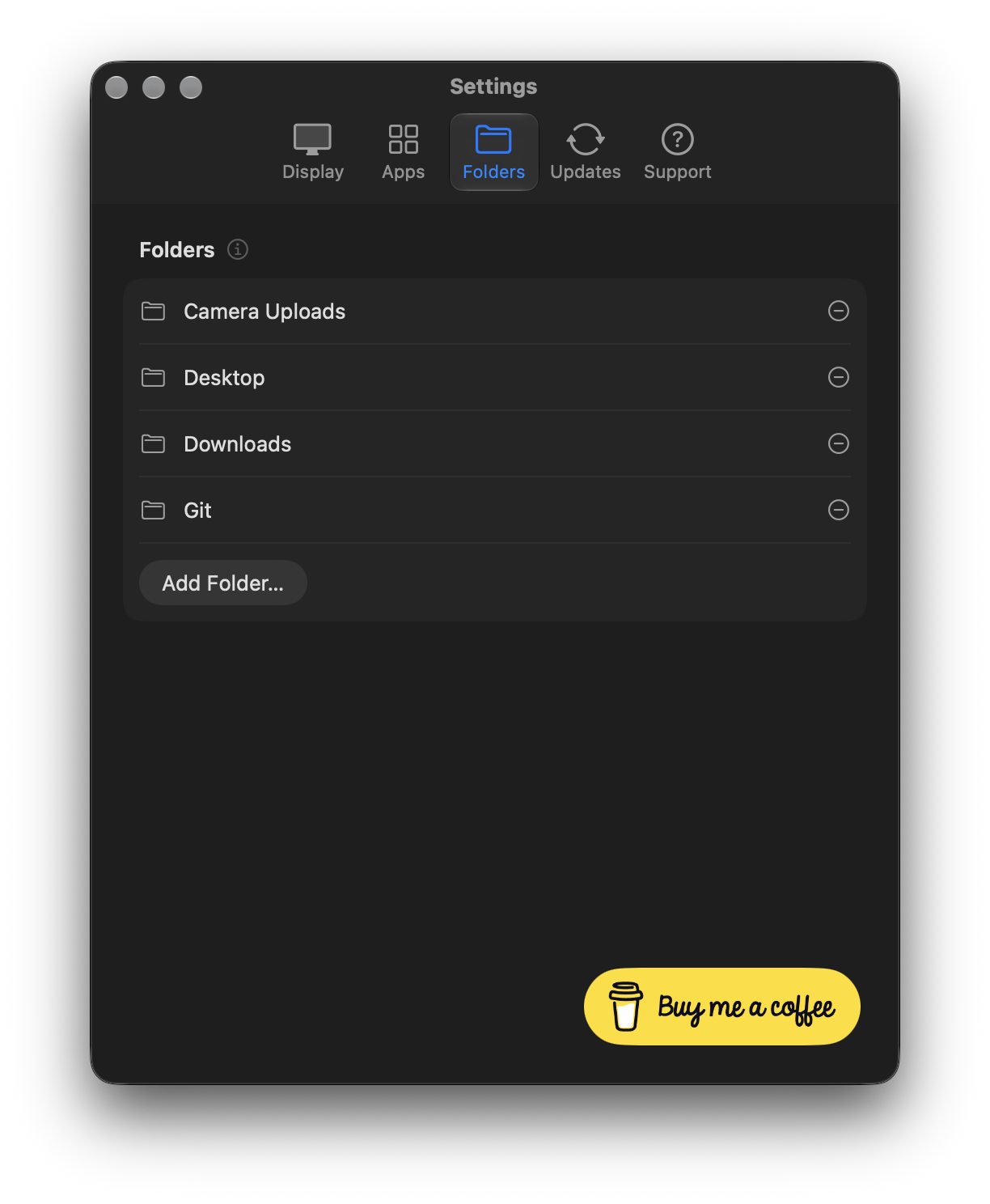
See how to choose apps and Finder folders for your display. See Permissions & Security for access to keyboard shortcuts and Mac Lock.
Check for Mac app updates
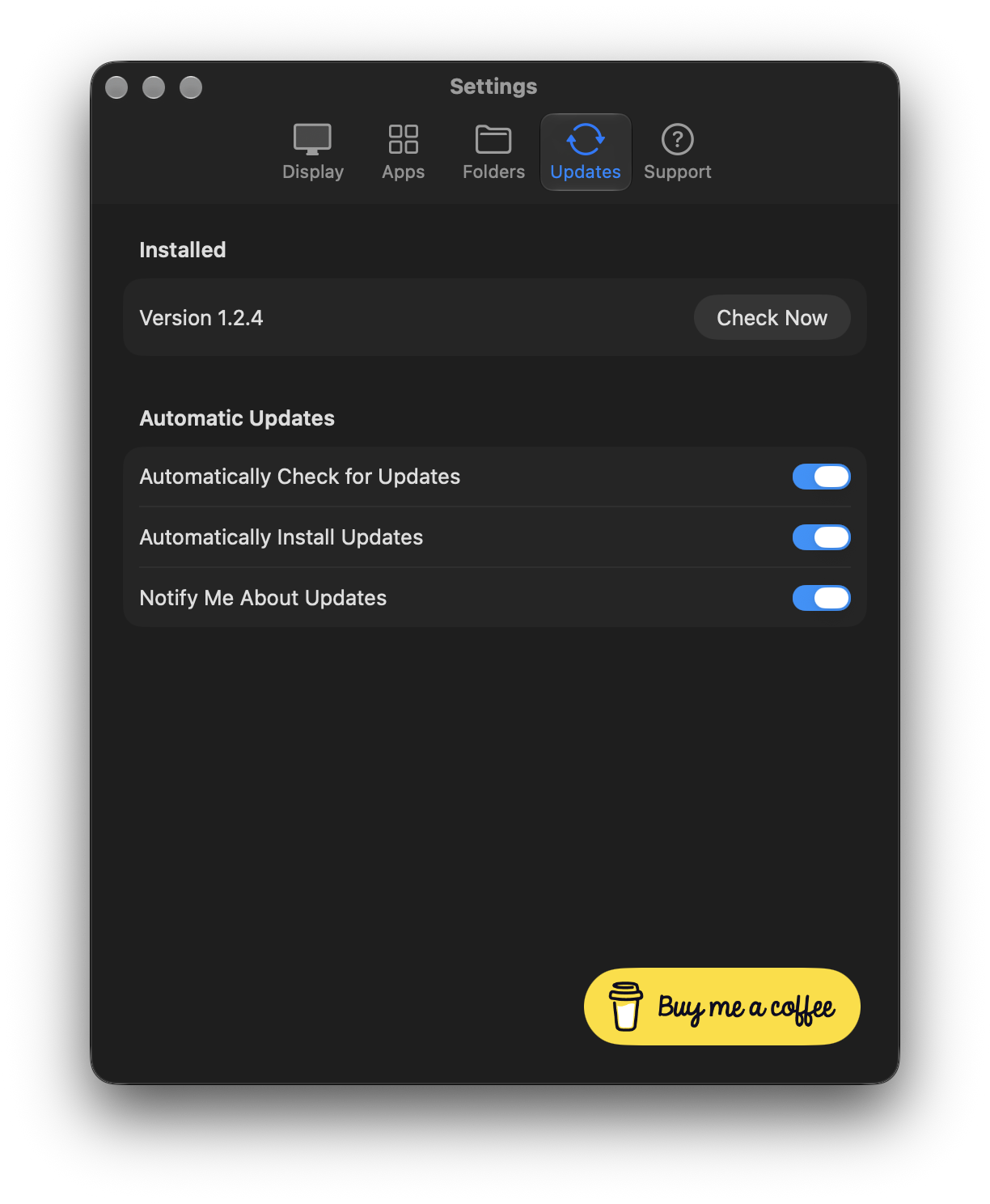
In Settings → Updates, choose Check Now or set your automatic update preferences. Follow update the Mac app and display together to keep their releases matched.